NUST Admission 2027: Complete Guide (NET Dates, Fee, Merit, Hostels, Scholarships)
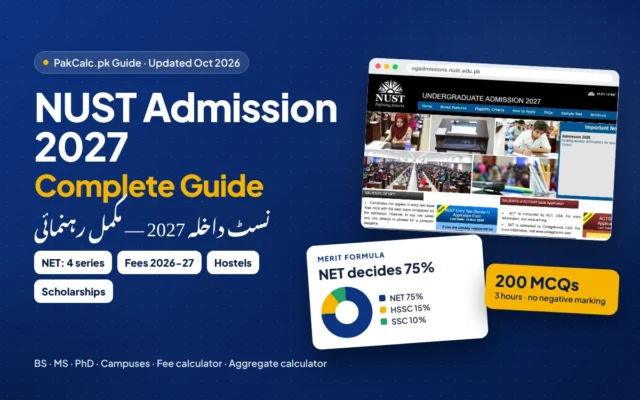
NUST admission 2027 complete guide: BS/MS/PhD programmes and campuses, NET-2027 series dates, 2026-27 fee, merit formula with aggregate calculator, hostels,…
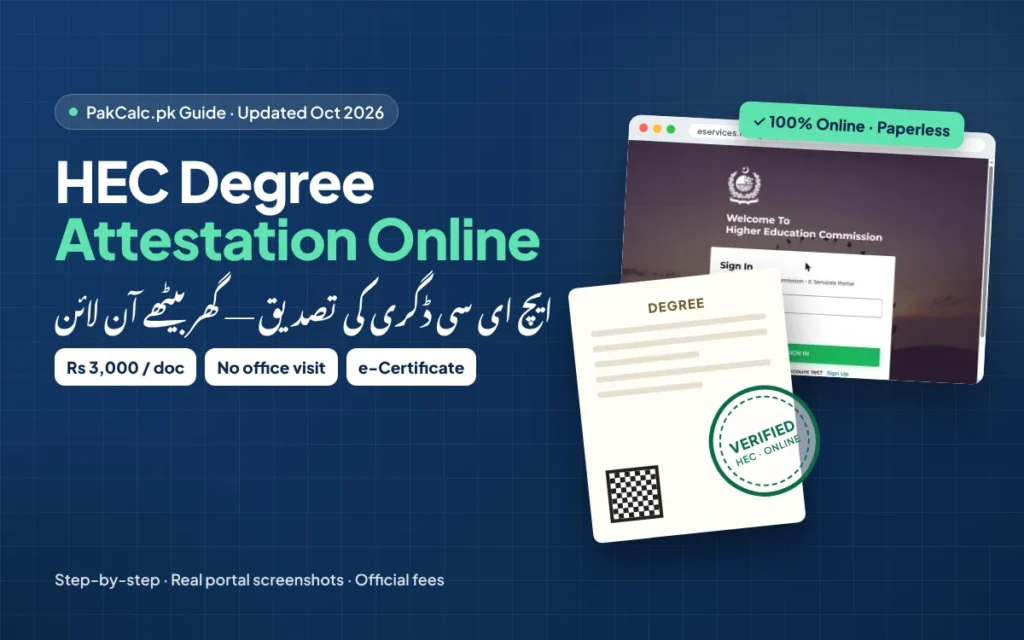
Updated 29 October 2026. HEC degree attestation is now fully online and paperless. You don’t visit an HEC office and you don’t post your original degree. You apply on the HEC eServices portal, pay Rs 3,000 per document through 1-Link, your university verifies the record, and HEC issues an e-Attestation Certificate that you download. Here is every step, with the official rules, a fee calculator and a checklist that catches the mistakes that send most applications back.
HEC describes four stages. Only the first one is your work; after that you just track and respond.
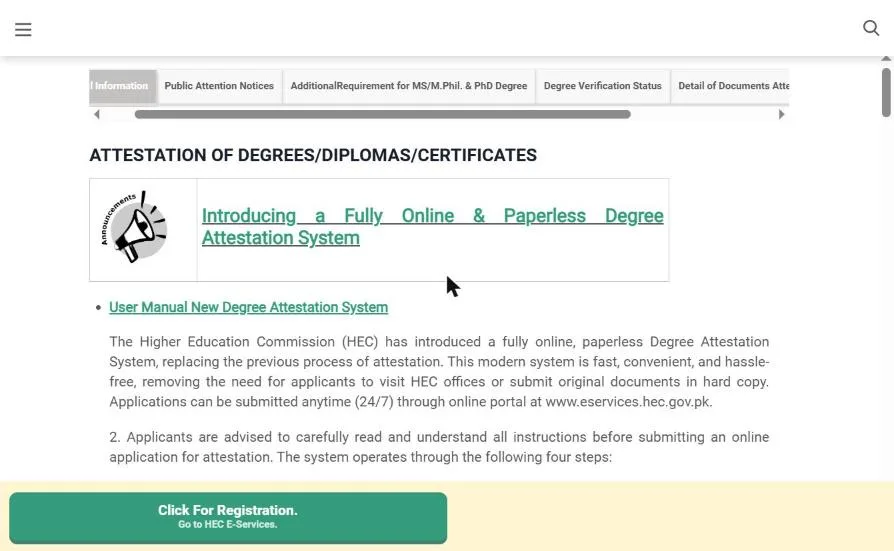
Rules from HEC’s Degree Attestation page (hec.gov.pk), checked 29 October 2026.
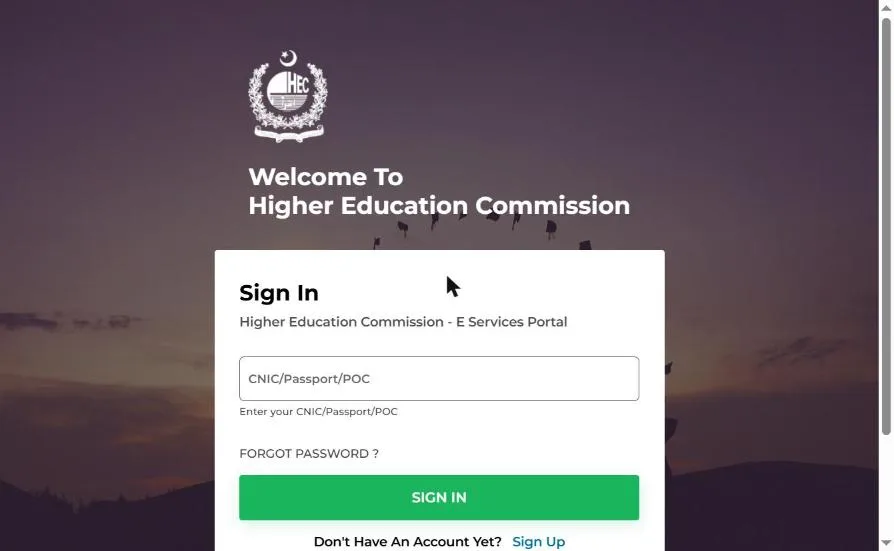
Open eservices.hec.gov.pk and click Sign Up. You need your first and last name, nationality, CNIC (without dashes), a password (at least 8 characters, letters and numbers, one capital letter), mobile number and email. Existing users just sign in with CNIC/Passport/POC.
From the menu on the left of your dashboard, select Degree Attestation.
Name, father’s name, date of birth, marital status, gender and address. These must be identical on your CNIC and every educational document; HEC says it will not start the process otherwise.
Level, duration, degree title, campus/affiliated college, session and registration/roll/seat number. Tick only the programme you want attested.
Choose from degree, transcript (result card / detailed marks certificate), provisional certificate (from the university’s examination office only) and HEC equivalence letter. The fee is calculated automatically.
Upload clear, readable PDFs of your CNIC (front and back) and each document, plus a passport-size picture with a plain blue or white background. Extra papers (NOC, PMDC card) go under Other Documents.
Review everything. You are responsible for its accuracy, and fees for wrongly selected documents are not refunded or adjusted.
Click Proceed for Payment to get a consumer number. Pay through your mobile banking app or any 1-Bill channel, then come back and click Verify Payment. Only then is the application submitted to HEC.
Watch Track Application. If HEC finds a deficiency, it appears under Task Assigned to Me / Revision Requested; fix it and resubmit. You get an SMS and email when your e-Attestation Certificate is ready to download.
| Status / section | What it means | What you do |
|---|---|---|
| Saved / pending payment | Fee not yet verified | Pay the consumer number, then click Verify Payment |
| Submitted | HEC has received it for scrutiny | Wait and keep checking |
| Task Assigned to Me / Revision Requested | HEC found a deficiency | Read the remarks, fix via View/Edit, resubmit |
| Forwarded to university | Your university is verifying the record | Wait; ask your university’s exam office if it stalls |
| e-Attestation issued | Done | Download the certificate from your account |
| Old (before May 2026) | New (now) | |
|---|---|---|
| Office visit | Walk-in or courier of originals | None: fully online, 24/7 |
| Photocopy attestation | Available | No longer offered |
| Output | Stamp on original | e-Attestation Certificate (download) |
| Fee | Per original / photocopy | Rs 3,000 per document |
| Payment | Bank / counter | 1-Link (1-Bill) consumer number |
Rs 3,000 per document: each degree, transcript, provisional certificate or HEC equivalence letter.
No. The new system is fully online and paperless. You upload scans and download an e-Attestation Certificate.
No. HEC issues an equivalence letter for a foreign qualification, and only that equivalence letter is attested through the portal.
Yes. HEC attests complete or incomplete transcripts; for an incomplete one the university must state the academic status, and you must choose the matching option.
No. SSC and HSSC certificates are countersigned by IBCC. Use our IBCC equivalence calculator for O/A-Level marks.
Take it to MOFA for attestation or apostille, depending on the country. See our MOFA attestation guide.
HEC’s online help desk at onlinehelp.hec.gov.pk, UAN 111-119-432 or 0334-111 9432.
Source: HEC “Attestation of Degrees/Diplomas/Certificates” page (hec.gov.pk) and HEC eServices portal, both checked 29 October 2026. Procedures change; confirm on the official portal. PakCalc is not affiliated with HEC.
NUST admission 2027 complete guide: BS/MS/PhD programmes and campuses, NET-2027 series dates, 2026-27 fee, merit formula with aggregate calculator, hostels,…
How to get documents attested by MOFA online in 2026: official portal steps with screenshots, Rs 3,000 fee, apostille country…